Smile Makeovers
In Kennewick, WA
At , we craft balanced, bright smiles that look naturally you.
About Smile Makeovers
Insight
Understanding Smile Makeovers
Smile Makeovers are a custom plan that blends cosmetic and health-focused care to upgrade the whole smile. They can combine whitening, bonding, veneers, crowns, gum shaping, and even tooth replacement when needed. The goal is harmony: tooth color, size, shape, and the gumline should match your face and lip line. Today, many dentists start with digital photos and scans to map your bite and smile arc, then design changes step by step. Because each mouth is different, the best plan starts with a full exam, so hidden decay or gum trouble is treated first. This keeps the makeover safe, comfortable, and built to last.
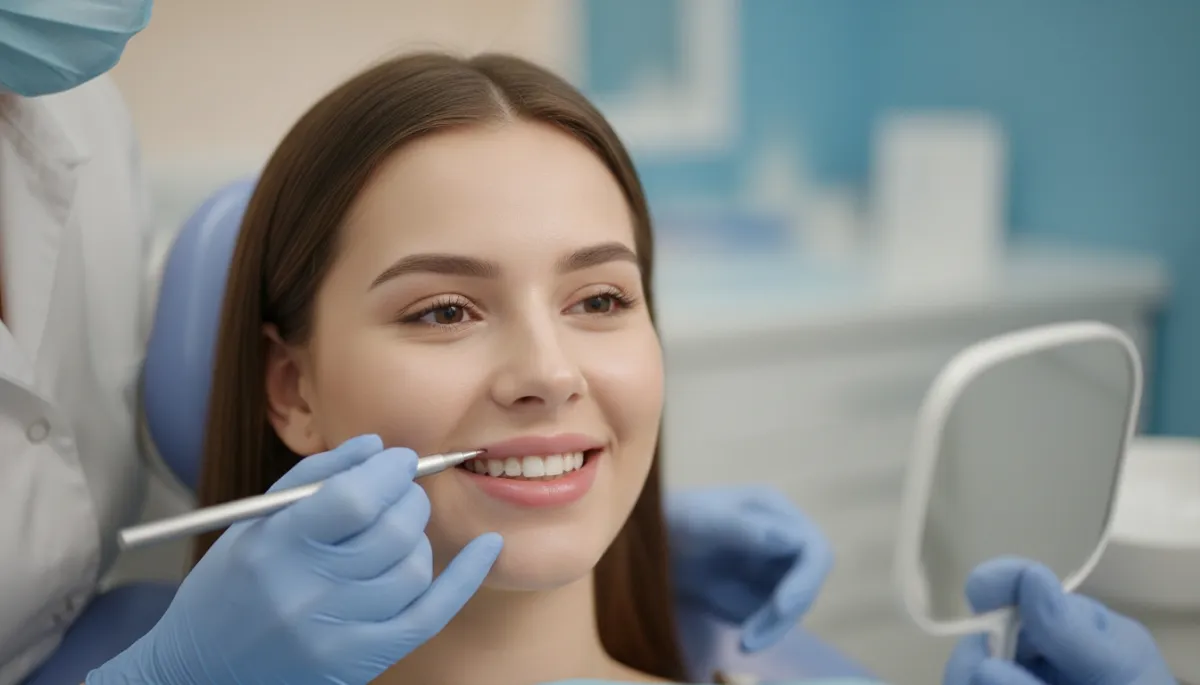
A big part of modern Smile Makeovers is previewing the result before anything is final. Using a digital smile design, your dentist can build a mock-up that shows how the new teeth may look with your natural expression. Some plans include a wax-up or a temporary “trial smile” you can wear, so you can test length, feel, and speech. That trial step helps avoid surprises and makes it easier to choose a shape that still feels like you. Your dentist will also explain where changes are reversible and where they are not, since some options require light enamel shaping. Clear planning protects both beauty and function, so your bite stays stable and comfortable.
Smile Makeovers work best when they are done on a healthy base and maintained like any other dental work. Common short-term effects can include mild sensitivity, sore gums, or bite adjustment while you get used to new shapes. Long-term success depends on daily care, regular cleanings, and protecting restorations from heavy grinding or nail biting. If you clench at night, a guard may be advised to reduce chips and stress on edges. Good hygiene matters because decay can still form around crowns, veneers, and bonding where natural tooth meets the edge. With smart upkeep, many patients enjoy a brighter, more even smile that looks polished in photos and feels easy to live with.
Candidate
Who Benefits From Smile Makeovers
Smile Makeovers are right for people who like their smile overall, but feel held back by a few key issues—stains, chips, uneven edges, small gaps, worn teeth, or old dental work that shows. They can also help if your gums look uneven, your teeth look short, or your bite feels off in photos. Good candidates have healthy gums and no untreated decay, since those need care first. If you have active grinding, jaw pain, or very weak enamel, your dentist may adjust the plan to protect comfort and longevity. Many patients in and around Kennewick, WA look for a “natural look” that fits beach, business, and nightlife—so the best makeovers aim for bright but believable, not fake-white.

Approach
What Is The Process For Smile Makeovers
Assessment
Treatment
Follow Up
Assessment
Smile goals and priorities
Photo and shade review
Full exam + gum check
Bite and jaw comfort check
Scan or impressions
Review old dental work
Plan phases and timeline
Treatment
Mock-up or trial smile
Whiten first if advised
Prep teeth if needed
Take final scans
Place temps for comfort
Lab makes final pieces
Fit and adjust bite
Bond or cement restorations
Polish edges and gumline
Review care and limits
Follow Up
Expect short sensitivity
Soft foods for a day or two
Use gentle toothpaste
Night guard if you clench
Cleanings and exams on time
Touch-ups if wear shows
Journey
Before, During, & After Smile Makeovers
BEFORE: Smile Makeovers start with a clear game plan, not a quick guess. Your dentist checks for cavities, gum swelling, and worn spots, because fixing those first keeps the makeover safe. Photos and scans capture your bite, tooth shapes, and how your lips move when you talk and smile. Next, you review options and pick what matters most: brighter color, straighter edges, closing gaps, or replacing old work. Many plans begin with a cleaning and, if needed, simple gum care so tissues are calm. You may also get a preview mock-up to confirm the look feels right before any final changes are made.
DURING: The active phase of Smile Makeovers may happen in steps, depending on what is included. If whitening is part of the plan, it is often done early so later work can match the new shade. For bonding, veneers, or crowns, your dentist may shape teeth lightly, then place temporary covers to protect comfort and let you test the feel. Final pieces are tried in, and the bite is checked so your teeth meet smoothly when you chew. Gum shaping, if needed, is done with careful numbing and precise tools to keep healing simple. Each visit ends with a clear next step, so you always know what is happening and why.
AFTER: Once Smile Makeovers are complete, the focus shifts to protecting your new smile. You will learn simple rules that keep results strong, like avoiding chewing ice and using your teeth gently when opening packages. Daily brushing, flossing, and regular cleanings help prevent stains and decay around restoration edges. If you grind at night, a guard can reduce chips and keep the bite stable. Small adjustments are normal in the first weeks as your mouth settles, and your dentist can fine-tune the bite or polish a spot that feels high. With steady care, the makeover can stay bright, even, and comfortable for years.
Transformation
Getting Started With Smile Makeovers
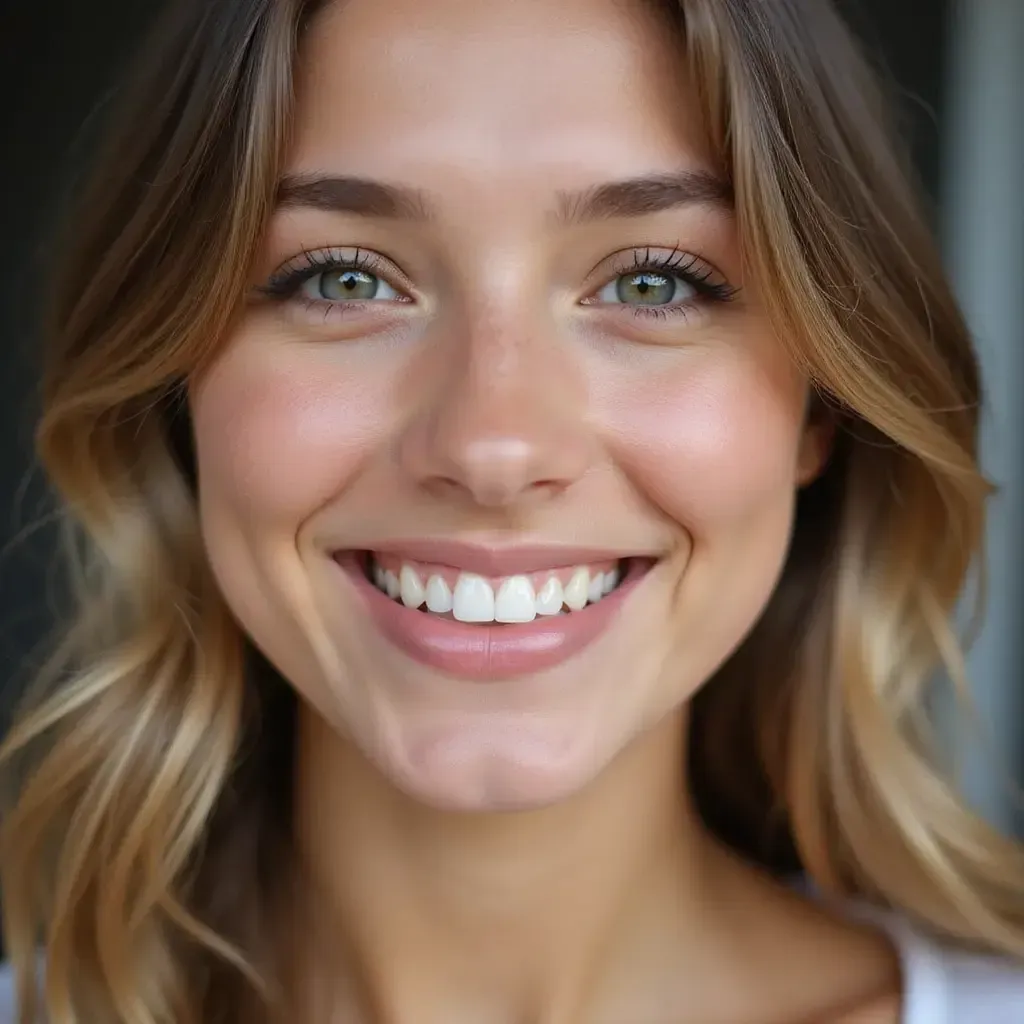
Smile Makeovers start with a full smile review, not a one-size fix. At your consult, we talk about what you want to change—shape, color, gaps, or uneven edges—then we check your bite, gums, and any old fillings or crowns. Photos and digital scans help map out options like veneers, bonding, whitening, and small reshaping in the right order. You’ll get a clear roadmap, timeline, and price range, plus simple steps to keep your smile bright. If you’re searching for a cosmetic dentist near Kennewick, WA, these Smile Makeovers can be your next step to a confident, photo-ready smile.
Book Now
Booking is simple, with flexible scheduling designed around your cosmetic goals.
Choose a time that fits your routine and start your personalized smile journey.
The staff was so welcoming and professional. My results exceeded expectations, and the entire experience was relaxing and enjoyable. I left feeling confident and refreshed!

Incredible service from start to finish! The team truly cares about your comfort and outcome. Everything felt clean, modern, and detail-oriented. Highly recommend!

I’ve never felt more cared for during an appointment. They explained every step clearly and made sure I was comfortable. The results speak for themselves—amazing!

Absolutely five-star experience. The staff was kind, knowledgeable, and attentive. You can tell they take pride in their work. I’ll definitely be returning soon.

From the first consultation to the final result, everything was flawless. The environment was spotless, and the results were beyond what I imagined. Truly life-changing.

Exceptional experience all around. They listened carefully to what I wanted and delivered with precision. I feel more confident and rejuvenated than ever.

Most Requested
Explore our most requested cosmetic treatments designed to enhance smiles naturally.
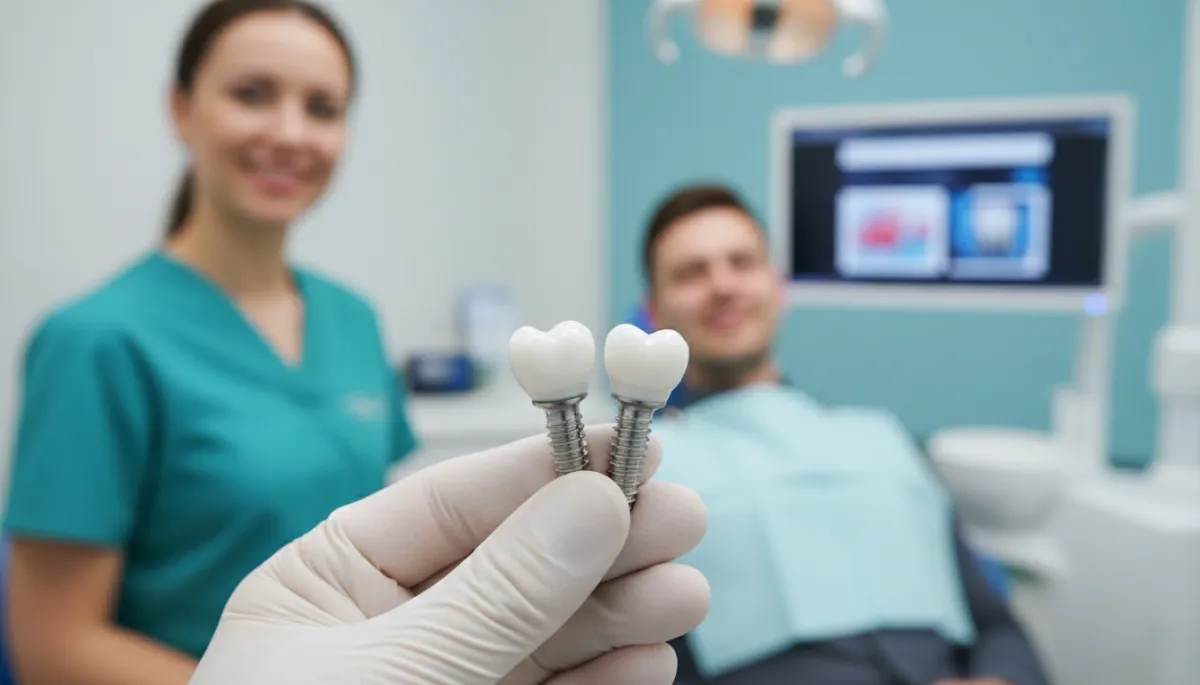
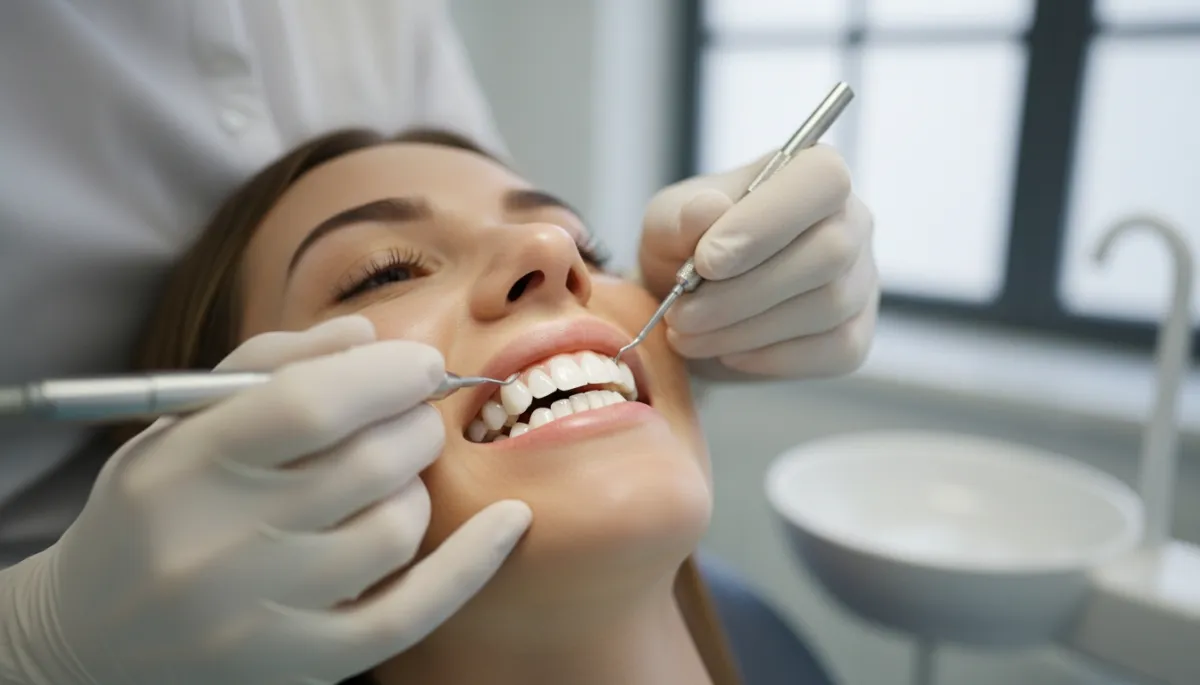
Discover popular services focused on whitening, veneers, and smile makeovers.

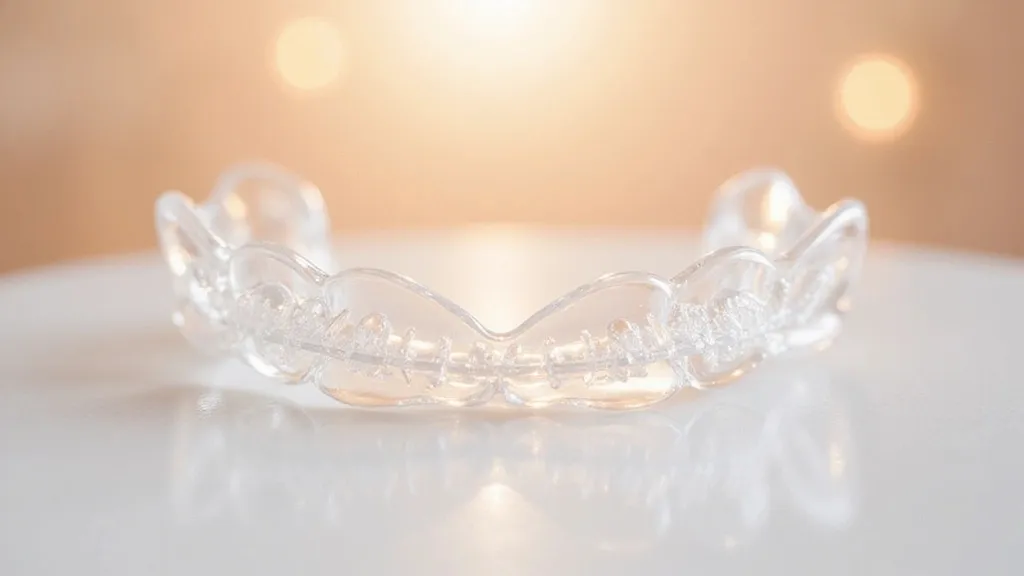
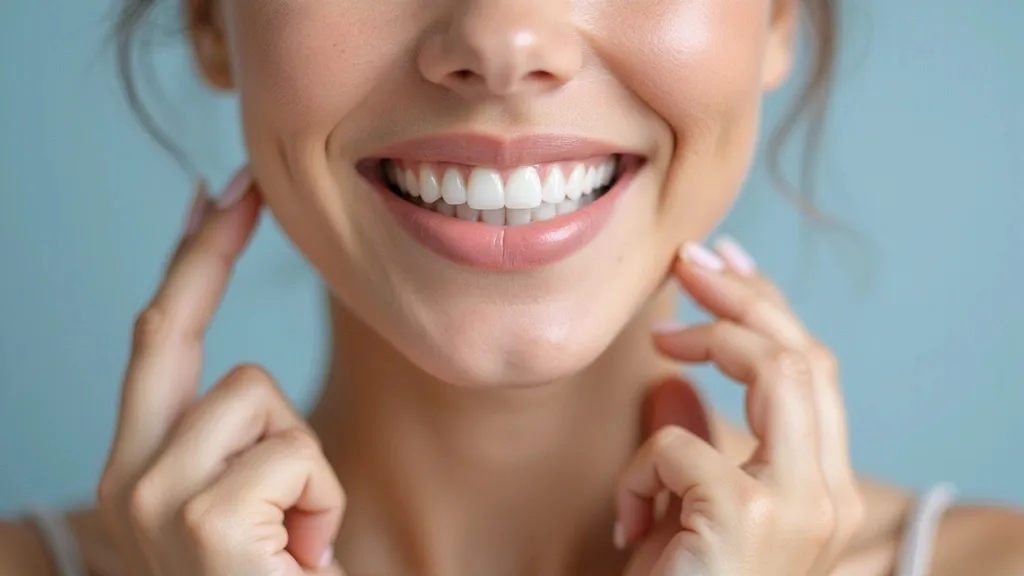
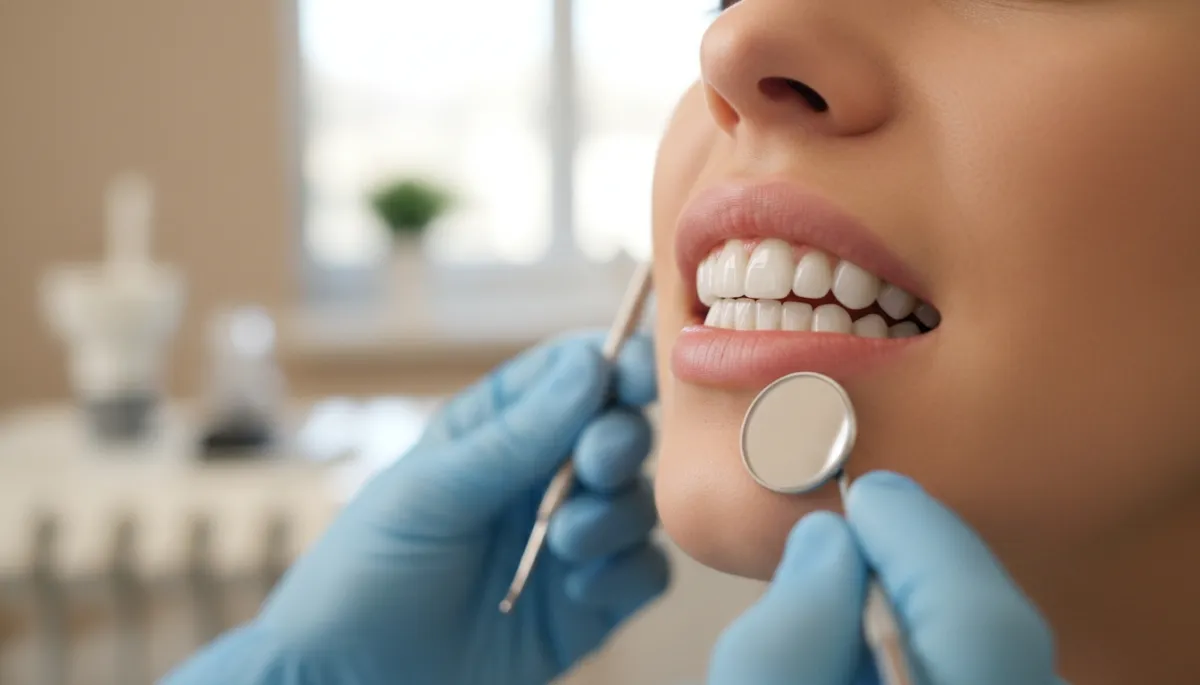
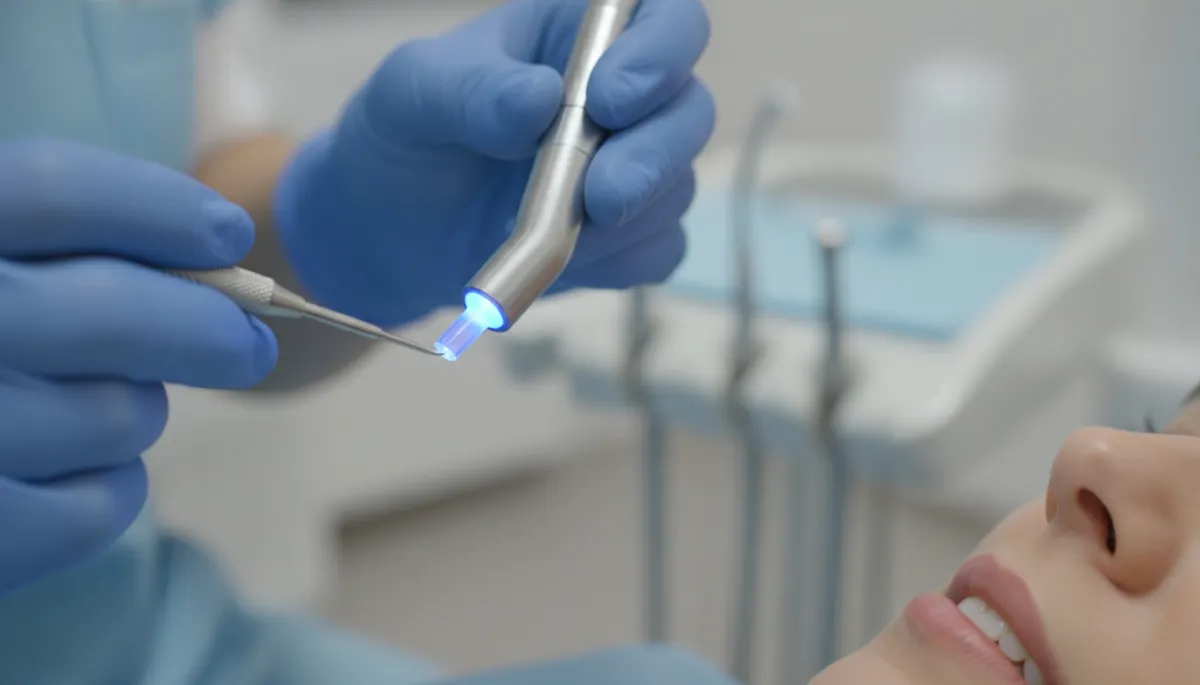
FAQ'S About Smile Makeovers
How long do Smile Makeovers take?
It depends on what is included. Some plans finish in a few visits, while others take longer if bite changes or healing time is needed.
What treatments can be part of Smile Makeovers?
Plans can mix whitening, bonding, veneers, crowns, gum shaping, and tooth replacement. Your dentist will choose what fits your teeth and goals.
Do Smile Makeovers look natural?
Yes, when designed with your face, lip line, and tooth shape in mind. A mock-up or trial smile can help you preview the look first.
Are Smile Makeovers painful?
Most steps are done with numbing when needed. You may feel mild sensitivity or soreness that usually fades as your mouth adjusts.
Can I get Smile Makeovers at if I have old dental work?
Yes. A consult can show how existing fillings, crowns, or veneers affect the plan, and how to match color and shape for a smooth result.
Serving Our
Neighbors
We’re proud to support and serve our neighbors in communities big and small, from:
Ready For Change?
Take the first step toward a confident smile with expert cosmetic care. Book a consultation today and begin your personalized smile transformation.
Take the first step toward a confident smile with expert cosmetic care.
Operating Hours
Mon: 9:00am - 5:00pm
Tues: 9:00am - 5:00pm
Wed: 9:00am - 5:00pm
Thurs: 9:00am - 5:00pm
Fri: 9:00am - 5:00pm
Sat: Closed
Sun: Closed
LOCK CODE
<::::::::::>
Lock
<::::::::::>
CUSTOM CODES
<::::::::::>
STYLIZATIONS
VISUAL
<::::::::::>
Background Color
Gradient 90 Degrees
<::::::::::>
Background Color
Gradient 135 Degrees
<::::::::::>
SVG Carousel
Color
<::::::::::>
SVG Sequence
Color Icons
<::::::::::>
Outline Color
Radius 25px
<::::::::::>
Community Background
Gradient
<::::::::::>
Background Color
Gradient 315 Degrees
<::::::::::>
Background Color
Gradient 225 Degrees
<::::::::::>
Inner Shadow
Weak
<::::::::::>
Inner Shadow
Strong
<::::::::::>
Invert Color
Block Secondary A
<::::::::::>
Invert Color
Exempt
<::::::::::>
Background
Blur 20px
<::::::::::>
Outline Color
Radius 10px
<::::::::::>
Image
Black
<::::::::::>
Image
White
<::::::::::>
Image
Edge Fade
<::::::::::>
Gradient Color
Text
<::::::::::>
Corner Radius
15px
<::::::::::>
Corner Radius
25px
<::::::::::>
Corner Radius
50px
<::::::::::>
Corner Radius
Top 15px
<::::::::::>
Corner Radius
Top 25px
<::::::::::>
Mobile Shadow
None
<::::::::::>
Mobile Shadow
Block Primary
<::::::::::>
Desktop Border White
Left And Right 1px
<::::::::::>
Desktop Border Black
Left And Right 1px
<::::::::::>
Desktop Corner Radius
Bottom Left 50px
<::::::::::>
Desktop Corner Radius
Bottom And Top Left 50px
<::::::::::>
ANIMATIONS
PERMANENT
<::::::::::>
Text Wave
Effect
<::::::::::>
Credentials Carousel
Slide
<::::::::::>
Credentials Carousel
Edge Fade
<::::::::::>
Requested Carousel
Slide
<::::::::::>
Requested Carousel
Edge Fade
<::::::::::>
Pulse
Sequence
<::::::::::>
Pulse
Size
<::::::::::>
Bounce
Rhythm
<::::::::::>
ANIMATIONS
HOVER/SCROLL
<::::::::::>
Neon Outline Color
On Hover/Scroll
<::::::::::>
Shine
On Hover Bright~
<::::::::::>
Shine
On Hover Dim
<::::::::::>
Raise On Hover
Shadow
<::::::::::>
Raise On Hover
No Shadow
<::::::::::>
Grow
On Hover 1.015
<::::::::::>
Grow
On Hover 1.05
<::::::::::>
Desktop Text Revealed
On Hover
<::::::::::>
Desktop Expand
On Hover
<::::::::::>
Shift Up
On Hover
<::::::::::>
Mobile Text Reveal
On Scroll
<::::::::::>
Mobile Expand
On Scroll
<::::::::::>
Blur Sibling
On Hover
<::::::::::>
Becomes Blurred
From Sibling
<::::::::::>
Change Background
Color On Hover
<::::::::::>
Change Text
Color On Hover
<::::::::::>
Change Outline
Color On Hover
<::::::::::>
Opener
Menu Catalyst
<::::::::::>
ANIMATIONS
SINGULAR
<::::::::::>
Fade In
On Scroll
<::::::::::>
Shift In
On Scroll
<::::::::::>
MOVEMENTS
& MARGINS
<::::::::::>
Move Z Axis
Plus 10px
<::::::::::>
Move Y Axis
Up 10px
<::::::::::>
TECHNICAL
DYNAMICS
<::::::::::>
Image Adjusts
Aspect Ratio 16 To 9
<::::::::::>
Image Adjusts
Aspect Ratio 1 To 1
<::::::::::>
Image Adjusts
Aspect Ratio 5 to 6
<::::::::::>
Image Adjusts
Aspect Ratio 9 to 16
<::::::::::>
Image Adjusts
Aspect Ratio 3 to 4
<::::::::::>
Image Min Width 90%
Screen 1420px
<::::::::::>
Text 60px
Screen 1420px
<::::::::::>
Text 60px
Screen 1080px
<::::::::::>
Text 48px
Screen 1080px
<::::::::::>
Text 36px
Screen 1080px
<::::::::::>
Text And Divider
Row Adjust
<::::::::::>
Image Fixed Size
Stabilizer
<::::::::::>
Container Max Width
370px
<::::::::::>
Container Min Width
100% Screen 1420px
<::::::::::>
Safari Parallax Image
Off
<::::::::::>